
Invoice Payment Terms Explained: Net 30, Late Fees, and Getting Paid Faster

Payment terms define when and how clients must pay. This guide covers standard terms like Net 30, how to calculate due dates, when and how to charge late payment fees, and how automatic overdue reminders reduce the time you spend chasing invoices.

Published 2026-06-14

What Are Invoice Payment Terms?

Payment terms are the conditions you set on an invoice that tell the client when and how you expect to be paid. They specify the due date (or a period within which payment must be made), the accepted payment methods, any early-payment incentives, and any penalties for late payment. Clear, specific payment terms reduce payment delays because there is no ambiguity about when money is due.

Payment terms should appear on every invoice you send. For recurring clients, you may also include them in your service agreement or contract — the invoice then references the agreed terms. In EU jurisdictions, the Late Payment Directive (2011/7/EU) provides statutory late payment rights that apply even when no terms are stated, but explicitly stating your terms in writing always gives you a stronger position in a dispute.

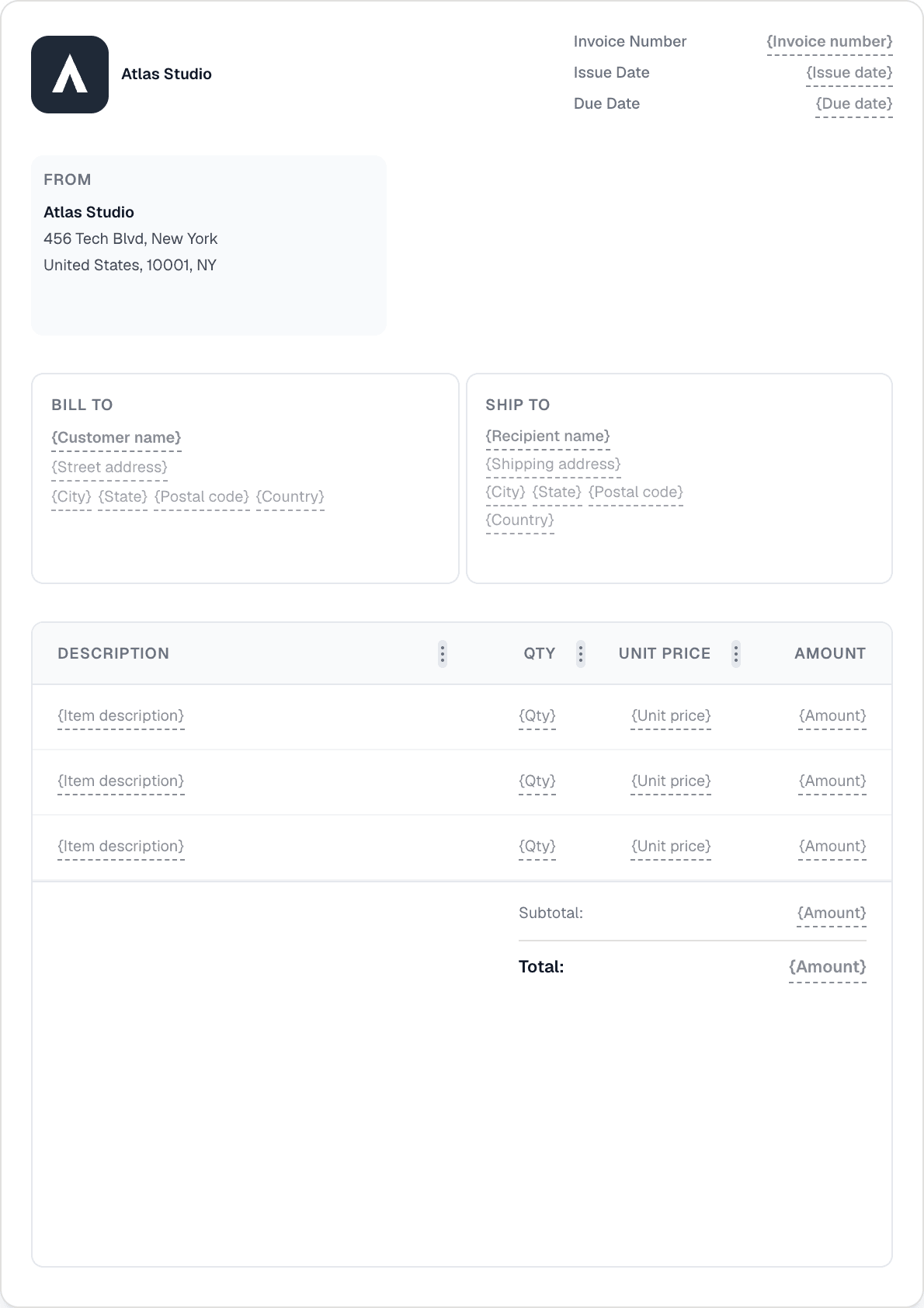
In Invotify, payment terms are set via the Payment Terms block in your template. The block accepts standard terms (Net 30, Net 14, Due on Receipt, end-of-month variants) or a fully custom label. The due date is either entered manually or calculated automatically from the issue date and your selected terms.

Standard Payment Terms Decoded

The "Net" terminology originates from accounting and means "the net amount is due within X days" — i.e., the full amount, with no deduction, payable within the stated period from the invoice date.

Common terms used in practice: Net 7 (full payment within 7 days; for small or low-value jobs), Net 14 (within 14 days; common for freelancers and small service providers), Net 30 (within 30 days; the most widely used standard in B2B commerce across Europe and North America), Net 60 (within 60 days; common for larger projects or enterprise clients with long internal approval cycles), Due on Receipt (payment expected when the invoice is received; used for cash sales or deposits), EOM (due on the last day of the month of issue), 30 days EOM (due 30 days after the end of the month of issue; common in UK B2B trade), and 2/10 Net 30 (2% early-payment discount if paid within 10 days; otherwise full amount within 30 days).

The right terms for your business depend on your cash flow needs, your industry norms, and the nature of your client relationship. Service businesses with predictable monthly costs (rent, salaries, subscriptions) typically need shorter terms (Net 14 or Net 30) to maintain cash flow. Project-based businesses working with larger clients often accept longer terms (Net 30–60) in exchange for larger contract values.

Whatever terms you choose, state them unambiguously: write "Payment due within 30 days of the invoice date" rather than "Net 30" if you are unsure whether your client knows the abbreviation. Clarity reduces disputes.

Due Date Calculation: Calendar Days vs Business Days

Most payment terms are expressed in calendar days, not business days. Net 30 means 30 calendar days from the invoice date — including weekends and public holidays — unless your contract or terms explicitly state otherwise. This distinction matters: an invoice dated 1 November with Net 30 terms is due 1 December, regardless of how many working days fall in that period.

If you and your client agree on business-day terms (which some industries prefer), state it explicitly: "30 business days from invoice date." Be aware that this lengthens the effective payment period significantly — 30 business days is approximately 6 calendar weeks.

Invotify calculates due dates automatically when you set the issue date and select a payment term. The calculated date appears in the Date block on the invoice. You can always override the calculated date manually for any invoice where a non-standard arrangement applies.

Does the payment clock start from the invoice date or the date received?
By default, payment terms run from the invoice date. However, some clients (especially large corporates) argue that terms start from when THEY receive the invoice, not when it was issued. To avoid this ambiguity, include language in your terms such as "Payment is due within 30 days of the invoice date as shown above" rather than "within 30 days of receipt". Sending invoices promptly (immediately after delivery of the work) also reduces the gap between issue date and receipt.

Late Payment Fees: Your Legal Rights and How to State Them

In most EU jurisdictions, you have a statutory right to charge interest on late B2B payments under the Late Payment Directive (2011/7/EU). The statutory rate is the European Central Bank's main refinancing rate plus 8 percentage points (currently around 9–10% per annum depending on the ECB rate). This right applies automatically even if you have not stated it on your invoice — but you must still issue a demand to enforce it.

Beyond statutory interest, many businesses add a contractual late payment clause in their terms: a fixed daily or monthly fee (e.g. "1.5% per month on overdue balances") or a flat administration charge. Contractual rates can be higher than the statutory rate but must be proportionate and disclosed in advance — you cannot introduce a penalty retroactively on a client who never agreed to it.

The most effective approach is to state your late payment policy clearly on every invoice and in your service agreement: the interest rate or fee, the period after which it applies (typically "after the due date"), and the compounding interval. This serves both as a deterrent and as the contractual basis for enforcement if you need to pursue a client through the courts or a debt recovery service.

Can I charge late fees on an invoice that did not originally mention them?
In EU jurisdictions, the statutory late payment rate applies to B2B invoices regardless of whether it was mentioned on the invoice — it is a legal right, not a contractual one. However, a contractual late fee rate higher than the statutory rate requires that you disclosed it in advance (on the invoice or in a prior agreement). If you want to charge more than the statutory rate, it must be in your stated terms.
How do I add a late payment clause to my invoices?
Use the Notes/Terms block in Invotify to add your late payment clause to your invoice template. Example language: "Invoices unpaid after the due date are subject to a late payment charge of [rate]% per month on the outstanding balance, in accordance with the Late Payment of Commercial Debts regulations." Save this in your template so it appears on every invoice automatically.

Automatic Overdue Reminders: Stop Chasing Manually

The most effective way to reduce late payment is not to wait for an invoice to become overdue before acting — it is to send a structured sequence of reminders before and after the due date, automatically. Businesses that send a polite reminder two to three days before the due date see significantly higher on-time payment rates than those that send their first communication only after the due date has passed.

Invotify's payment reminder system lets you configure a sequence of automatic reminders per invoice or at company level. You can set reminders to fire at intervals relative to the due date: for example, three days before, on the day, seven days after, and fourteen days after. Each reminder sends an email to the client with the invoice details, the amount due, and a link to the client portal where they can view and pay the invoice online if you have connected a payment provider.

Reminders are sent only to clients who have not paid — once an invoice is marked as Paid (manually or automatically via a connected Stripe payment), the reminder sequence stops. You can also disable reminders for individual clients or invoices where manual handling is preferred.

Recurring Invoices and Payment Terms on Scheduled Documents

For clients you invoice on a regular schedule — monthly retainers, service fees, yearly licences — recurring schedules in Invotify automatically generate a new invoice on your configured frequency (daily, weekly, monthly, yearly, or custom intervals). Each generated invoice inherits the payment terms set on the recurring schedule template.

You can configure generate-ahead: schedule Invotify to create the invoice a set number of days before the occurrence date, giving you (or your client's accounts team) advance notice. Recurring invoices can also be auto-sent on their occurrence date — combined with payment reminders, this creates a fully automated invoicing cycle for retainer clients that requires no manual action once the schedule is set up.

Late fees on recurring invoices work the same as on one-off invoices. If a client consistently pays late on a recurring schedule, consider whether the payment terms need adjustment — moving from Net 30 to Net 14, or from monthly to upfront payment — or whether auto-charge (available on Pro) is appropriate for clients who have authorised recurring card charges.

Client Portal: Giving Clients One Place to View and Pay

Every invoice sent through Invotify includes a link to the client portal — a session-less, branded page where the client can view their outstanding invoices, download PDFs, and pay online if you have connected a payment provider. The portal shows the outstanding balance, any overdue invoices (highlighted), and payment history.

Giving clients a portal link reduces the friction of payment: they do not need to log in, they can see all outstanding amounts at once, and they can pay with a single click if payment collection is enabled. This is particularly effective for clients who have multiple invoices outstanding — showing them the full picture, rather than sending individual reminders per invoice, often results in a single larger payment that clears the backlog.

The client portal is available on all Invotify plans. Online payment collection (via connected Stripe — enabling clients to pay by card or bank transfer directly from the portal) is a Pro and Lifetime feature.

Related Resources

Related Articles

Ready to send your first invoice?

Create a professional invoice in under a minute. No design skills needed.