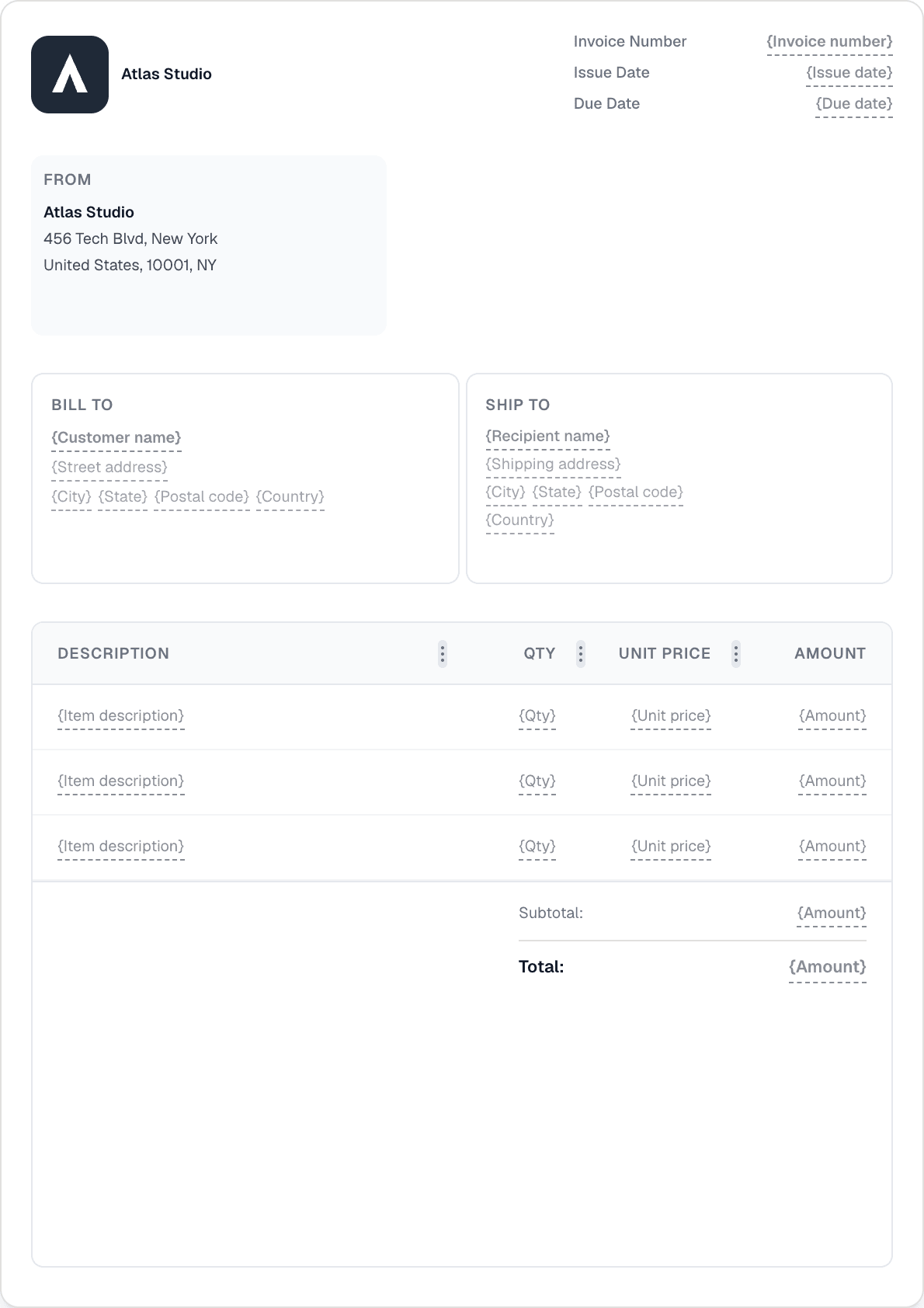
Ready to send your first invoice?
Create a professional invoice in under a minute. No design skills needed.
Stop rebuilding the same invoice every month. Set a schedule once and Invotify creates each document automatically, with a built-in window to review before it goes out.
Create a recurring schedule and Invotify generates each invoice — or quote — automatically on its date. Perfect for retainers, subscriptions, and any billing that repeats.
Generate the draft early so you have a buffer to check the details before it reaches the client. The occurrence date still drives the issue and due dates — you just get time to review.
Turn on auto-send and Invotify emails the invoice to your client on its date — no manual step. Auto-send applies to invoices, and pairs with a payment link on Pro.
You set a schedule with a cadence and Invotify generates the invoice — or quote — automatically each cycle. It's built for retainers, subscriptions, and any repeating billing.
Generate-ahead creates the draft before its date, giving you a review window to check everything before it goes out. The occurrence date still governs the issue and due dates.
If you enable auto-send, Invotify emails the invoice to your client automatically on its date. Auto-send is for invoices. Auto-send and payment links involve the Pro plan (€49/mo).
Recurring schedules are available on all plans, including Starter (€19/mo). Auto-sending the invoice by email and attaching an online payment link involve Pro (€49/mo).
Create a professional invoice in under a minute. No design skills needed.