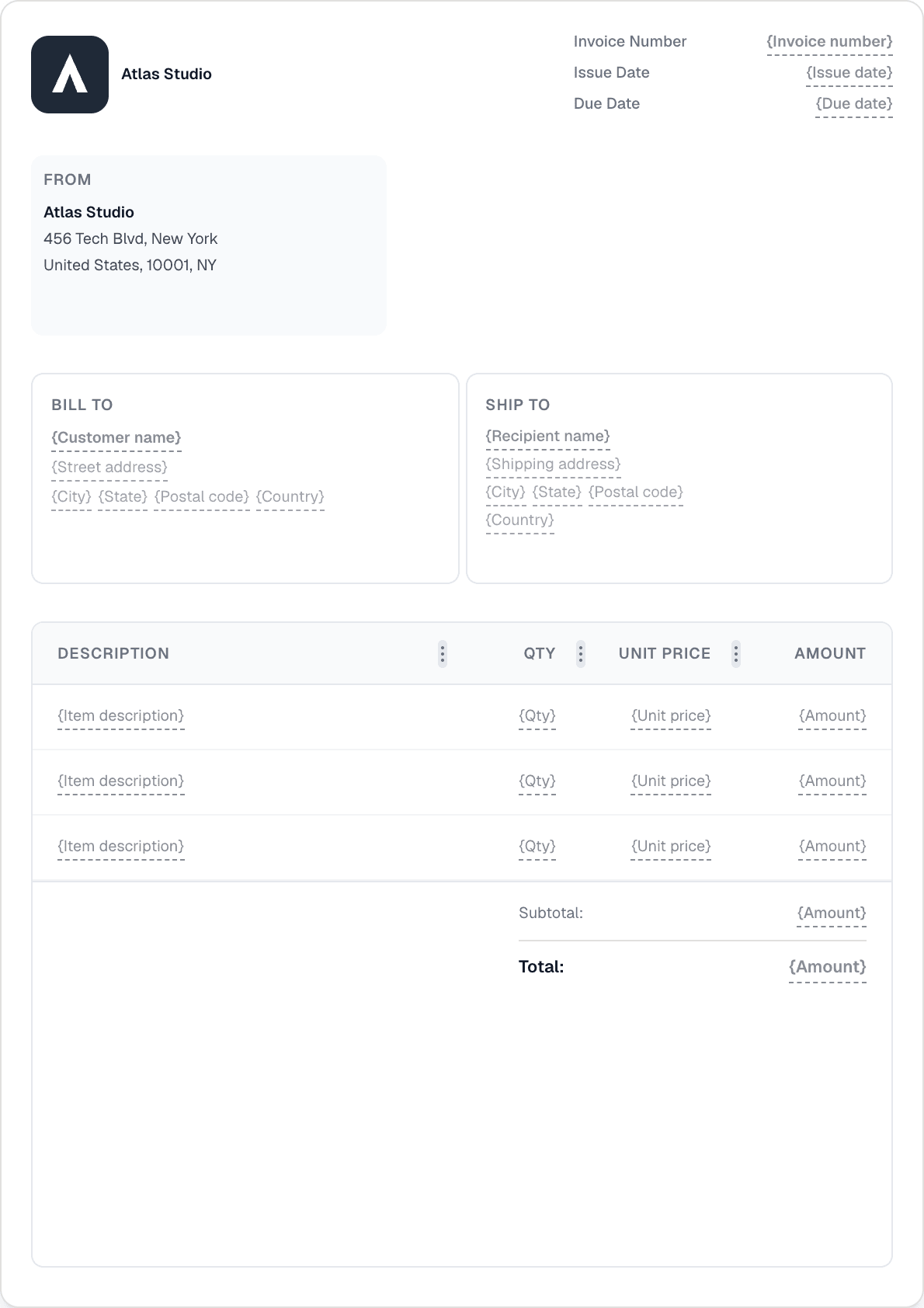
Ready to send your first invoice?
Create a professional invoice in under a minute. No design skills needed.
Let clients pay straight from the invoice. Connect Stripe or PayPal, and the moment payment succeeds a webhook flips the invoice to Paid — no manual bookkeeping.
Link your Stripe or PayPal account to start accepting payments. Stripe supports cards, Apple Pay, Google Pay, iDEAL, and SEPA, so clients pay the way they prefer.
A pay button lands right on the invoice and its email. Clients click, pay, and you don't chase — the link is always attached to the document they already have.
When payment succeeds, a webhook flips the invoice to Paid immediately. No refreshing, no manual status update — your records stay accurate on their own.
You can connect Stripe or PayPal. Stripe supports cards, Apple Pay, Google Pay, iDEAL, and SEPA, so clients can pay however suits them.
A payment link is added to the invoice and its email. When the client pays, a webhook flips the invoice to Paid instantly — you don't update the status by hand.
No. The webhook updates the invoice the moment payment succeeds, so the status reflects reality without any manual step.
Accepting online payments through Stripe and PayPal is a Pro feature (€49/mo).
Create a professional invoice in under a minute. No design skills needed.