Software de faturação que funciona para empreiteiros
Orçamente trabalhos, fature por etapas com faturação progressiva, cobre depósitos e converta orçamentos aprovados em faturas — tudo sem sair da obra.
Orçamente trabalhos, fature por etapas com faturação progressiva, cobre depósitos e converta orçamentos aprovados em faturas — tudo sem sair da obra.
Ative a faturação progressiva num orçamento e fature cada fase concluída como percentagem ou valor fixo. A proteção contra faturação em excesso impede faturar para além de 100% do total do orçamento. Use-a em trabalhos grandes repartidos por vários meses.
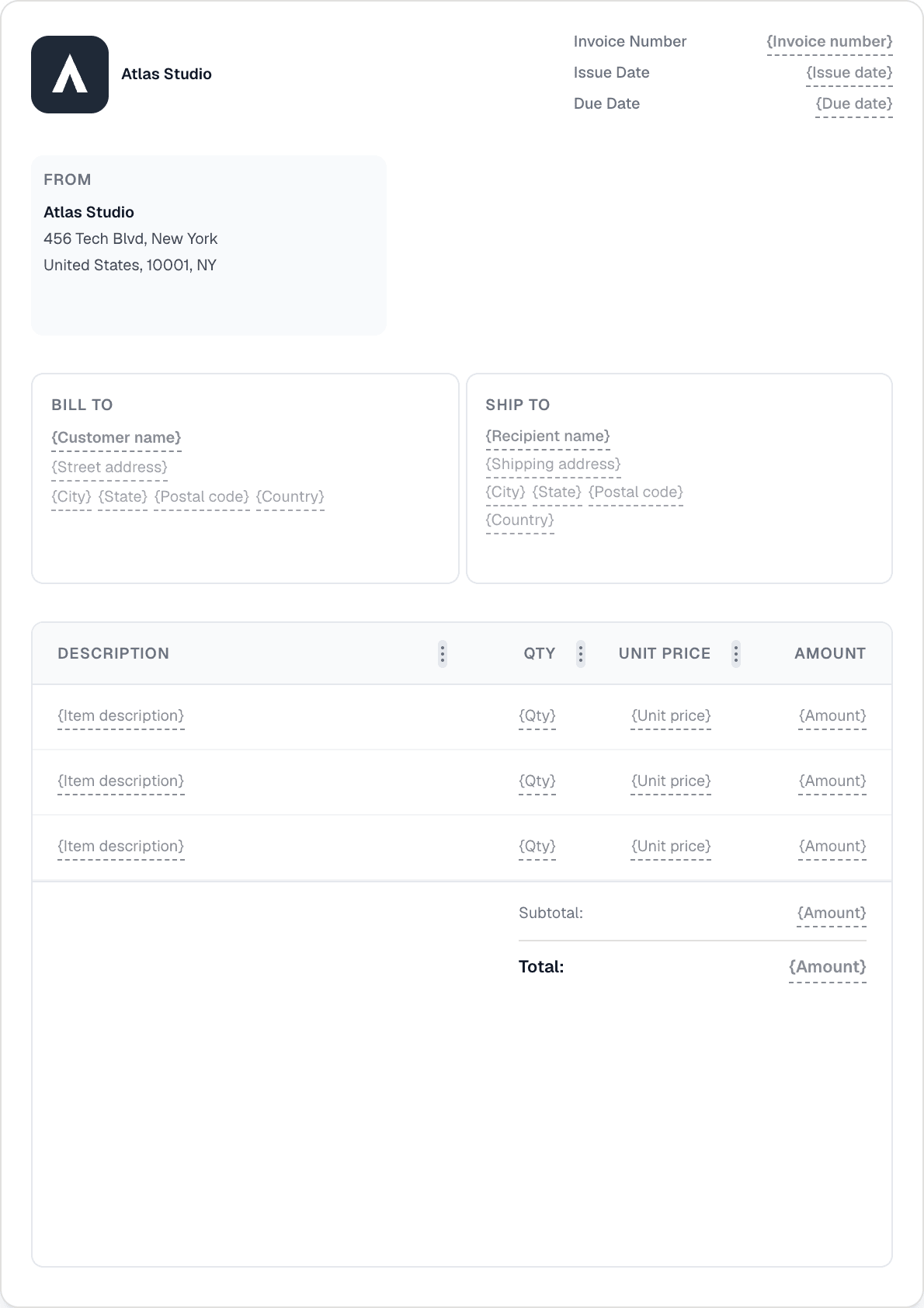
Envie um orçamento com marca, obtenha a aprovação do cliente na ligação de partilha e converta-o em fatura num clique. Todas as linhas, blocos e valores são transferidos — sem voltar a escrever.
Cobre um depósito adiantado registando um pagamento parcial da fatura. O saldo atualizado acompanha o que ainda está em dívida. Adicione o pagamento final quando o trabalho estiver concluído.
As aplicações iOS e Android dão-lhe a experiência completa da Invotify no telemóvel. Crie um orçamento na obra, registe um depósito em numerário ou envie um lembrete — sem voltar ao escritório.

Ative «Permitir faturação progressiva» no orçamento. Assim que o orçamento for aceite, cada fase é faturada como uma fatura separada — escolhe a percentagem ou o valor fixo para cada marco. A Invotify impede que o total exceda 100% do valor orçamentado.
Sim. Crie a fatura com o valor total do trabalho e, depois, registe o depósito como pagamento parcial (com o valor, a data e o método de pagamento). A fatura mostra o saldo em dívida atualizado até o pagamento final ser registado.
Sim. Cada orçamento tem uma ligação de partilha pública. O cliente abre-a, analisa o orçamento e pode aceitar ou rejeitar — sem necessidade de início de sessão. Vê a atualização do estado no painel e pode então converter o orçamento aceite numa fatura num clique.
Sim, com um plano Pro. Ligue a sua conta Stripe e a Invotify acrescenta uma ligação de pagamento a cada e-mail de fatura e ao portal do cliente. Os clientes pagam por cartão, Apple Pay, Google Pay, iDEAL ou SEPA. O estado da fatura é atualizado automaticamente.
Crie uma fatura profissional em menos de um minuto. Sem necessidade de competências de design.