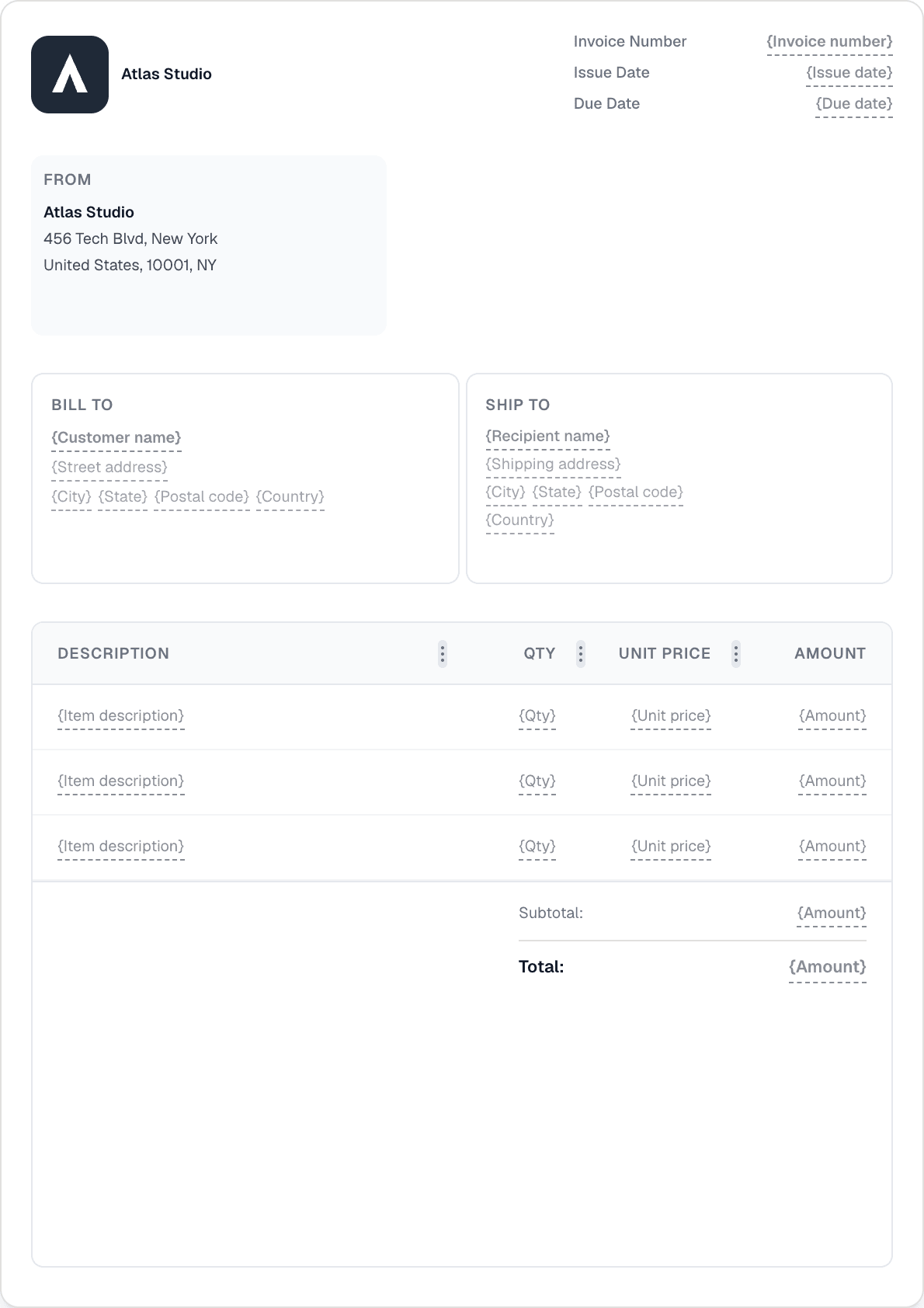
Ready to send your first invoice?
Create a professional invoice in under a minute. No design skills needed.
Connect your own Stripe account in a few clicks and add a secure payment link to every invoice and invoice email. When your customer pays, the invoice flips to Paid automatically.
Link your existing Stripe account from Settings → Integrations using Stripe Connect. Invotify never touches your keys — the OAuth flow authorizes payments on your own account so payouts land where they always have.
Customers pay by card (Visa, Mastercard, Amex), Apple Pay, Google Pay, iDEAL, or SEPA Direct Debit — whatever suits them, offered right on the invoice.
A Stripe webhook flips the invoice to Paid the moment payment succeeds. No manual status updates, no reconciling by hand.
The same Stripe connection powers the Pay button on your public customer portal, so clients can settle any outstanding invoice from one place.
Your own. You connect your existing Stripe account via OAuth in Settings → Integrations, and payments (and payouts) go directly to that account. Invotify only adds the payment link and listens for the confirmation.
Card payments (Visa, Mastercard, Amex), Apple Pay, Google Pay, iDEAL, and SEPA Direct Debit, presented on the invoice payment page.
Automatically. A Stripe webhook notifies Invotify the instant a payment succeeds, and the invoice status flips to Paid without any manual step.
No — connecting Stripe to collect payments is a Pro-plan feature (€49/mo, or Lifetime €499). It also powers the Pay button on your public customer portal.
Create a professional invoice in under a minute. No design skills needed.