Ready to send your first invoice?
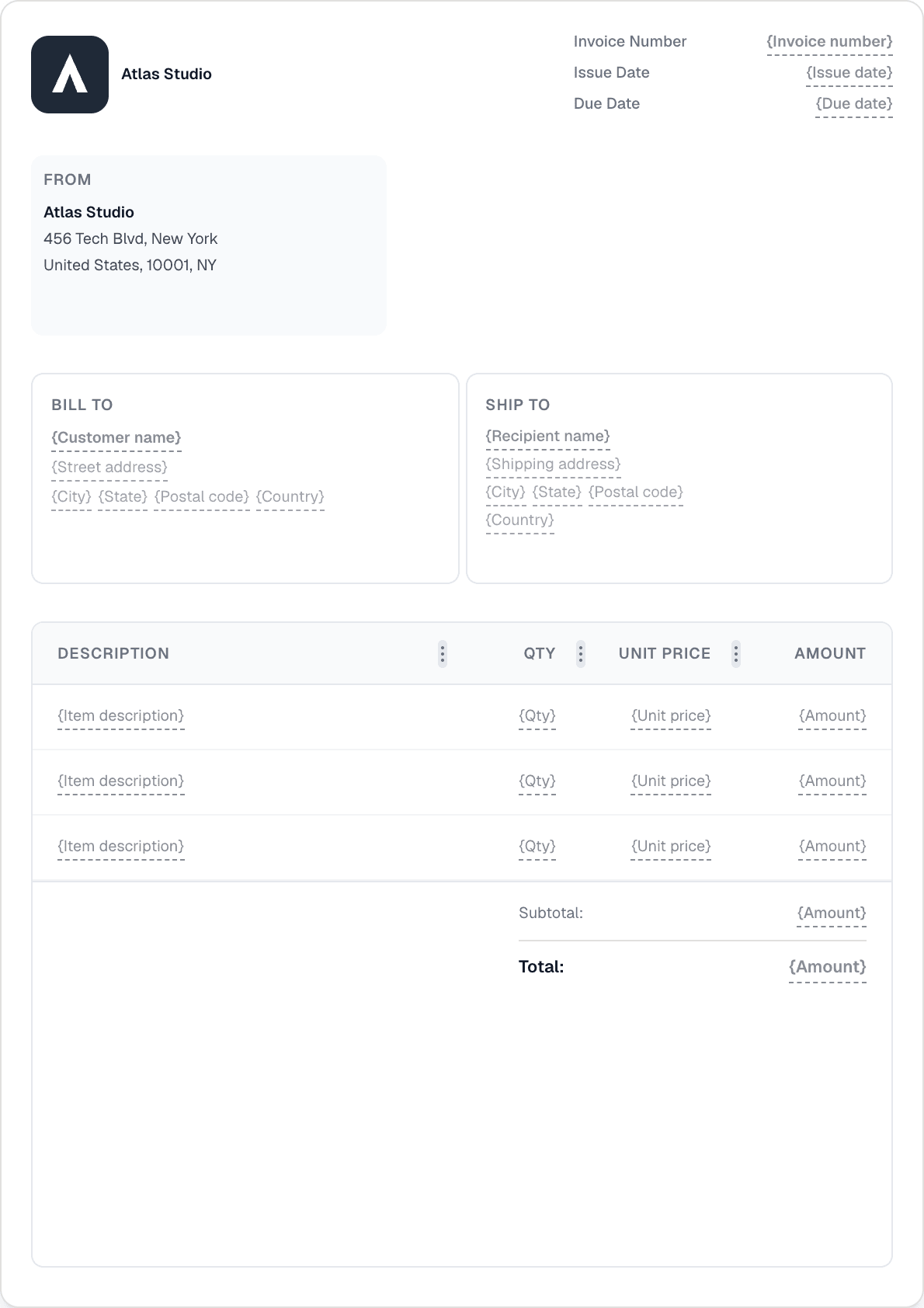
Create a professional invoice in under a minute. No design skills needed.
Connect your PayPal account and add a payment link to your invoice emails. When a customer completes checkout, Invotify marks the invoice Paid for you.
Authorize your PayPal account through a standard OAuth connect flow in Settings → Integrations — no copy-pasting credentials.
Payments run on PayPal's modern Orders API v2, so checkout is the familiar, trusted PayPal experience your customers already know.
Invotify adds a PayPal payment link to your invoice emails so customers can pay directly from the message they receive.
Webhook handling confirms the payment and flips the invoice to Paid automatically — no manual reconciliation.
Through an OAuth connect flow in Settings → Integrations. Once authorized, Invotify can add a PayPal payment link to your invoice emails.
On your invoice emails. Customers open the email and pay via PayPal directly from there.
Yes. Invotify handles the PayPal webhook and marks the invoice Paid automatically once checkout completes.
Yes — PayPal is available on the Pro plan (€49/mo, or Lifetime €499). Note that PayPal appears on invoice emails; the customer-portal Pay button uses Stripe.
Create a professional invoice in under a minute. No design skills needed.