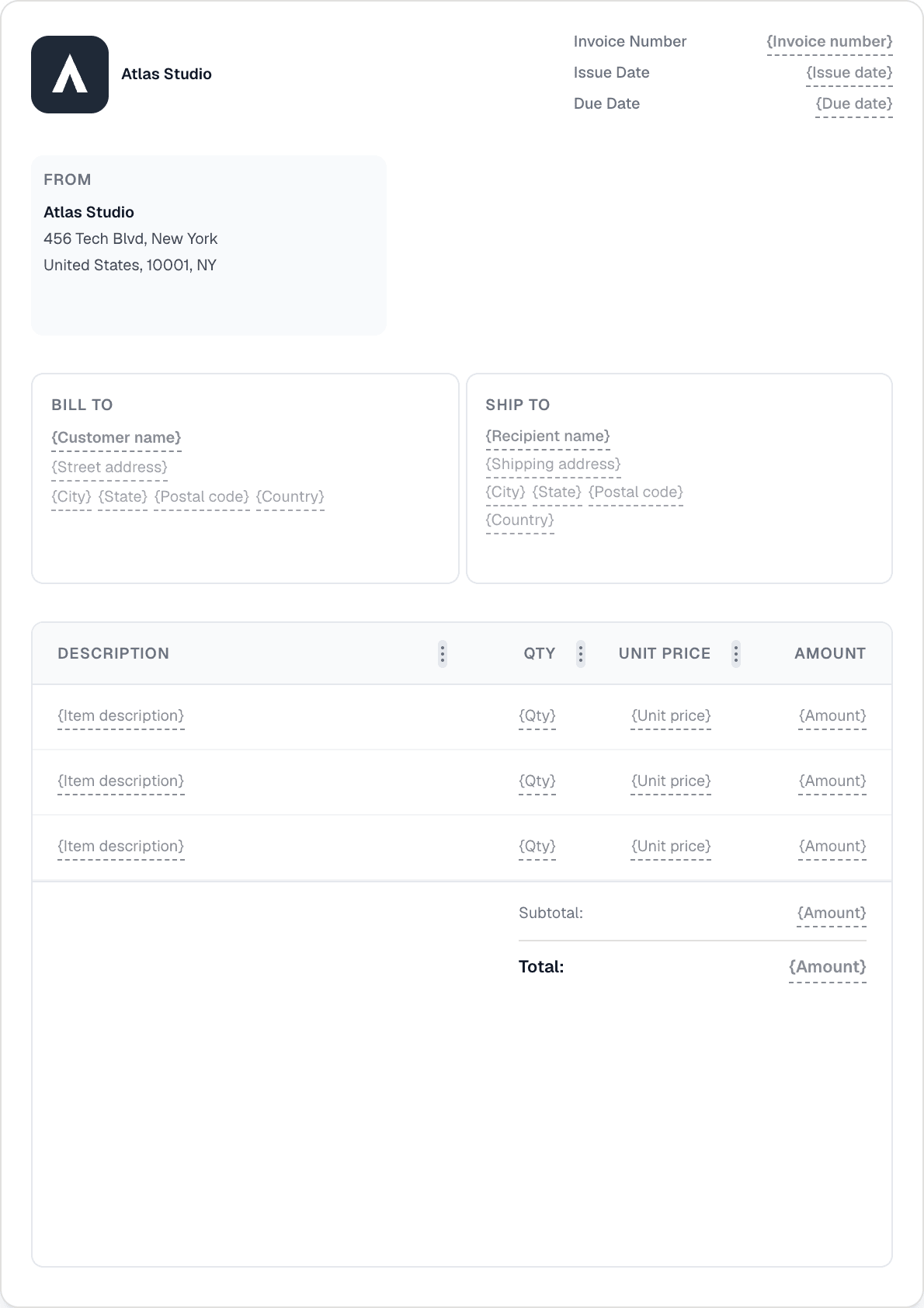
Invoice software that works for contractors

Quote jobs, bill in stages with progress invoicing, collect deposits, and convert approved quotes to invoices — all without leaving the site.

From first quote to final invoice

Progress invoicing — bill in stages

Enable progress invoicing on a quote and bill for each completed phase as a percentage or fixed amount. Over-billing protection prevents invoicing beyond 100% of the quote total. Use it for large jobs split across multiple months.

One-click quote-to-invoice conversion

Send a branded quote, get the client's approval on the share link, then convert it to an invoice in one click. All line items, blocks, and amounts carry over — no retyping.

Deposit billing & partial payment tracking

Collect a deposit up-front by recording a partial payment against the invoice. The running balance tracks what's still owed. Add the final payment when the job is complete.

Mobile app for invoicing on-site

The iOS and Android apps give you the full Invotify experience on your phone. Create a quote on-site, record a cash deposit, or send a reminder — without returning to the office.

Contractor invoicing questions

Q01

How does progress invoicing work for a multi-phase project?

Enable 'Allow progress invoicing' on the quote. Once the quote is accepted, each phase is billed as a separate invoice — you choose the percentage or fixed amount for each milestone. Invotify prevents the total from exceeding 100% of the quoted amount.

Q02

Can I collect a deposit before starting the job?

Yes. Create the invoice for the full job amount, then record the deposit as a partial payment (with the amount, date, and payment method). The invoice shows the running outstanding balance until the final payment is recorded.

Q03

Can clients approve a quote online?

Yes. Every quote has a public share link. The client opens it, reviews the quote, and can accept or reject it — no login needed. You see the status update in the dashboard and can then convert the accepted quote to an invoice in one click.

Q04

Can I accept card payments for invoices?

Yes, with a Pro plan. Connect your Stripe account and Invotify adds a payment link to every invoice email and the client portal. Clients pay by card, Apple Pay, Google Pay, iDEAL, or SEPA. The invoice status updates automatically.

准备好发送您的第一张发票了吗?

不到一分钟即可创建专业发票。无需设计技能。