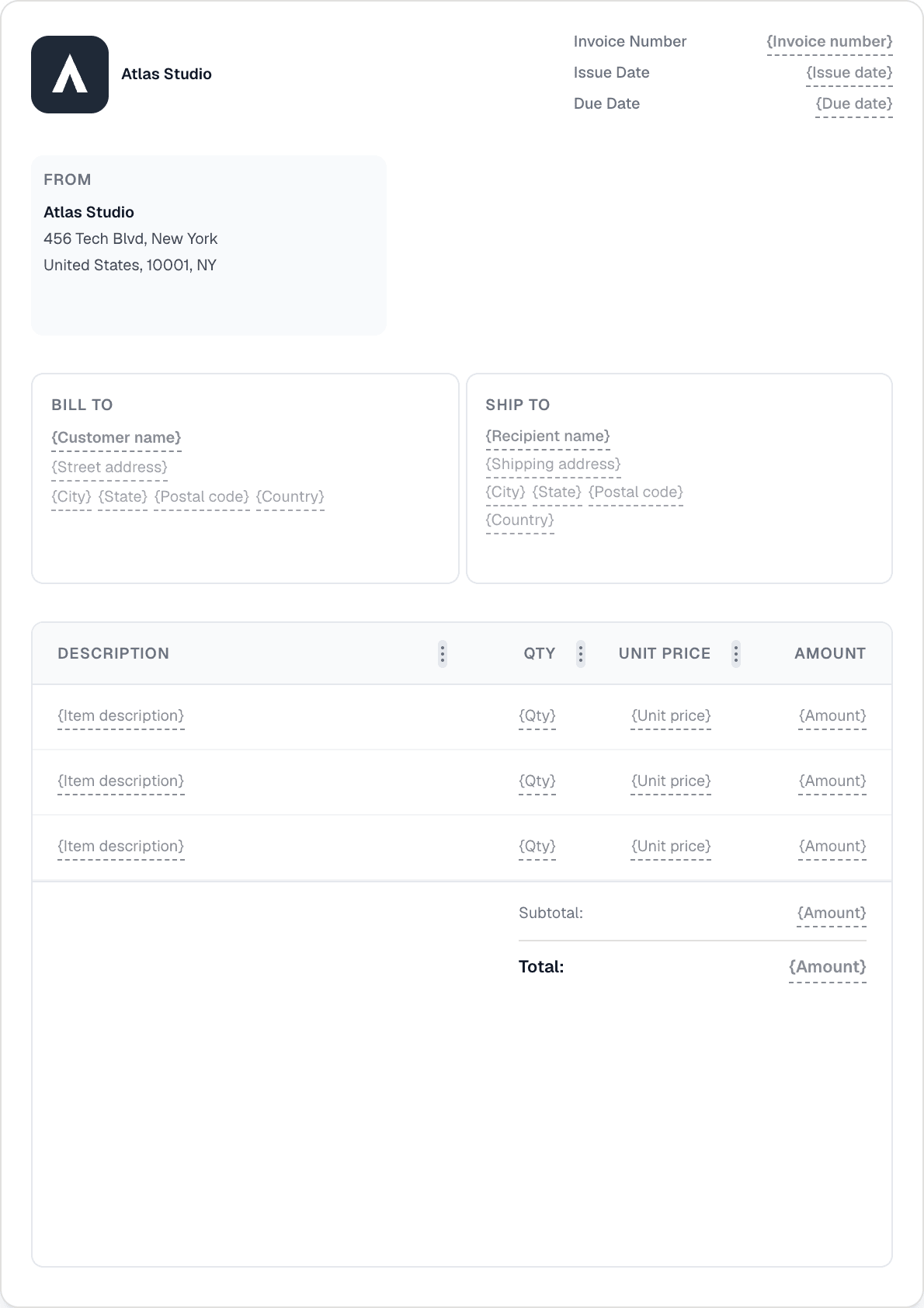
برنامج فواتير مصمم لأعمال التنظيف
أتمتة الفواتير المتكررة للعملاء الدائمين، وتابع المدفوعات المتأخرة دون أن تفكر في الأمر، وأدر كل شيء من هاتفك بين المهام.
أتمتة الفواتير المتكررة للعملاء الدائمين، وتابع المدفوعات المتأخرة دون أن تفكر في الأمر، وأدر كل شيء من هاتفك بين المهام.
أنشئ جدولاً أسبوعياً أو شهرياً لكل عميل متكرر وينشئ Invotify الفاتورة ويرسلها تلقائياً. خمسة أنماط تكرار، وفترات مخصصة، وإرسال تلقائي بحيث تخرج الفاتورة دون أن تحرّك ساكناً.
تجربة Invotify الكاملة متاحة على iOS وAndroid. أنشئ فواتير، وسجّل المدفوعات، وتحقق من الأرصدة المستحقة، وأرسل التذكيرات — كل ذلك من هاتفك أثناء وجودك في الموقع.
اضبط جدول تذكيرات ويرسل Invotify رسائل بريد إلكتروني للعملاء تلقائياً عند تأخر الدفع. أضف رسوم تأخر — نسبة مئوية أو ثابتة، مع فترة سماح — بحيث تُطبَّق السياسة تلقائياً دون مكالمة هاتفية محرجة.
إذا دفع العميل على مراحل، سجّل كل دفعة بالمبلغ والتاريخ والطريقة. تعرض الفاتورة الرصيد المستحق المتبقي حتى السداد الكامل.

نعم. أنشئ جدولاً متكرراً ببيانات عميلك، وبنود الخدمة، وتكرار أسبوعي. فعّل الإرسال التلقائي ويرسل Invotify فاتورة PDF بالبريد الإلكتروني كل أسبوع في تاريخ الاستحقاق — دون أي عمل يدوي.
تضبط جدول تذكيرات في الإعدادات — على سبيل المثال، التذكير قبل 3 أيام من الاستحقاق، وفي تاريخ الاستحقاق، وبعد 7 أيام. يرسل Invotify رسائل تذكير تحمل علامتك التجارية تلقائياً وفق ذلك الجدول. يمكنك أيضاً إرسال تذكير يدوياً في أي وقت من صفحة الفاتورة.
نعم. يمتلك Invotify تطبيقات أصلية على iOS وAndroid بجميع الشاشات الرئيسية — الفواتير، والعملاء، والمدفوعات، والجداول، والإشعارات. يمكنك إنشاء فاتورة، وتسجيل دفعة، وإرسال تذكير دون الجلوس إلى مكتب.
سجّل المدفوعات الجزئية مقابل الفاتورة — كلٌّ بمبلغ وتاريخ وطريقة دفع. يتحدّث الرصيد المتبقي تلقائياً. تنتقل الفاتورة إلى مدفوعة فقط عند تسوية المبلغ الكامل.
أنشئ فاتورة احترافية في أقل من دقيقة. لا تحتاج لمهارات تصميم.