Fakturasoftware skabt til selvstændige
Få professionelle fakturaer ud ad døren på minutter, automatiser gentagen fakturering, og hold momsoptegnelserne nøjagtige — alt sammen på en plan, der passer til en soloindkomst.
Få professionelle fakturaer ud ad døren på minutter, automatiser gentagen fakturering, og hold momsoptegnelserne nøjagtige — alt sammen på en plan, der passer til en soloindkomst.
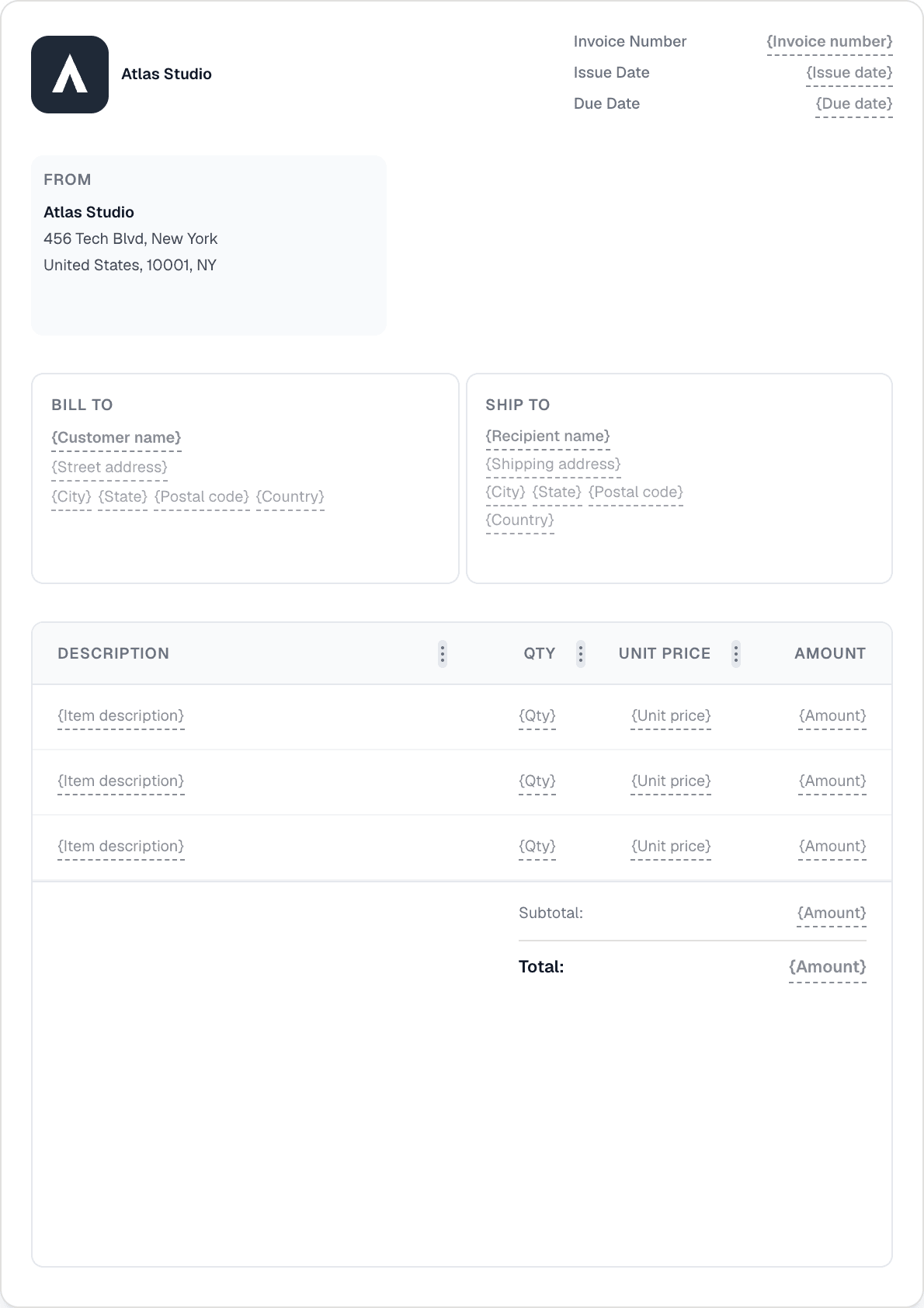
Builderen med 22 blokke er kraftfuld, men tvinger aldrig kompleksitet på dig. Start med en skabelon, slip dit logo ind, tilføj en linjepost, og send. Kunden modtager en PDF via e-mail og et link til sin personlige portal.
Opret en månedlig eller ugentlig faktureringsplan for faste kunder, og lad Invotify håndtere det. Automatisk afsendelse sender fakturaens PDF på forfaldsdatoen. Fem gentagelsesmønstre og brugerdefinerede intervaller dækker enhver faktureringscyklus.
Validér EU-momsnumre mod VIES og udfyld automatisk kundeoplysninger. Gem momssatsforindstillinger, så nye linjeposter forudfyldes korrekt hver gang. Den landebaserede standardmoms (f.eks. 21 % for Letland) anvendes automatisk, når ingen forindstilling er angivet.
Hver faktura får et sikkert delingslink. Kunder ser, downloader, betaler online (Pro: Stripe eller PayPal) og kan underskrive — ingen konto påkrævet. Forfaldspåmindelser og rykkergebyrer kører automatisk, så du ikke behøver at jagte.

Ja. Starter-planen (€19/md) er bygget til enkeltbrugere — ubegrænsede fakturaer og tilbud, gentagne planer, kundeportalen, digitale signaturer og flere valutaer. Der er intet krav om teampladser, og du betaler ikke for funktioner, du ikke har brug for.
Opret en momsforindstilling i Indstillinger med din gældende momssats. Nye linjeposter forudfyldes med den automatisk. Hvis du arbejder med erhvervskunder i EU, indtast deres momsnummer for at validere det mod VIES og automatisk udfylde deres virksomhedsoplysninger. Dobbelt moms pr. linje dækker GST/PST og andre scenarier med to satser.
Online betalingsopkrævning (Stripe/PayPal) er en Pro-funktion. På Starter-planen kan du registrere manuelle betalinger (kontant, bankoverførsel, check) og sende kunden et betalingslink fra din egen betalingsudbyder. Opgradér til Pro for at modtage kortbetalinger direkte gennem fakturaen.
Konfigurer automatiske forfaldspåmindelser i Indstillinger — angiv planen, og Invotify sender påmindelses-e-mails på dine vegne. Du kan også tilføje rykkergebyrer (procentdel eller fast, med en frist). Begge er tilgængelige på alle planer.
Opret en professionel faktura på under et minut. Ingen designfærdigheder nødvendige.