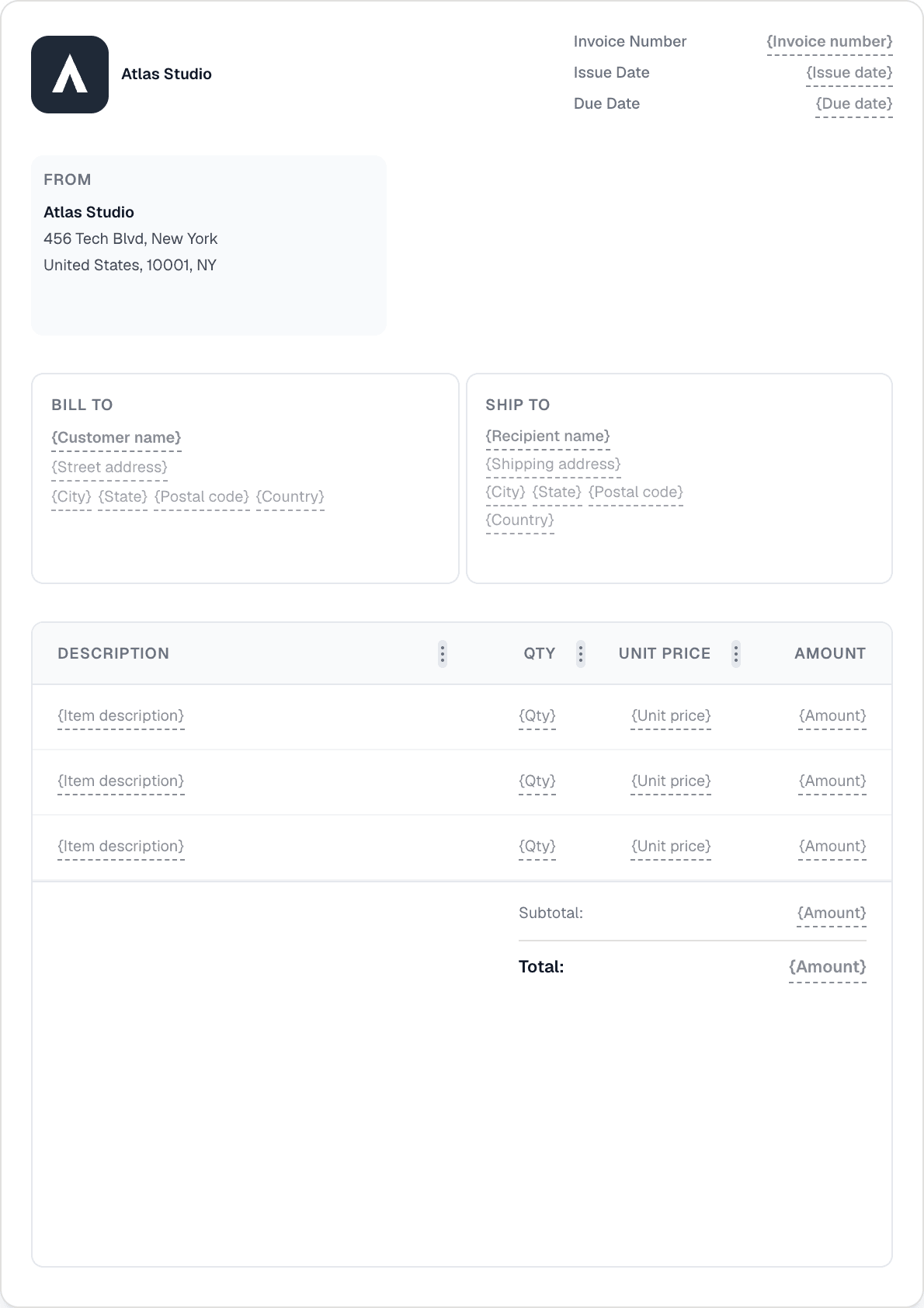
Fakturasoftware der virker for håndværkere
Giv tilbud på opgaver, fakturér i etaper med ratefakturering, indsaml depositum, og konvertér godkendte tilbud til fakturaer — alt sammen uden at forlade pladsen.
Giv tilbud på opgaver, fakturér i etaper med ratefakturering, indsaml depositum, og konvertér godkendte tilbud til fakturaer — alt sammen uden at forlade pladsen.
Aktiver ratefakturering på et tilbud og fakturér for hver afsluttet fase som en procentdel eller et fast beløb. Beskyttelse mod overfakturering forhindrer fakturering ud over 100 % af tilbuddets total. Brug det til store opgaver fordelt over flere måneder.
Send et brandet tilbud, få kundens godkendelse på delingslinket, og konvertér det derefter til en faktura med ét klik. Alle linjeposter, blokke og beløb overføres — ingen genindtastning.
Indsaml et depositum på forhånd ved at registrere en delvis betaling mod fakturaen. Den løbende saldo sporer, hvad der stadig skyldes. Tilføj slutbetalingen, når opgaven er færdig.
iOS- og Android-apperne giver dig den fulde Invotify-oplevelse på din telefon. Opret et tilbud på stedet, registrér et kontantdepositum, eller send en påmindelse — uden at vende tilbage til kontoret.

Aktiver 'Tillad ratefakturering' på tilbuddet. Når tilbuddet er accepteret, faktureres hver fase som en separat faktura — du vælger procentdelen eller det faste beløb for hver milepæl. Invotify forhindrer totalen i at overstige 100 % af det tilbudte beløb.
Ja. Opret fakturaen for hele opgavebeløbet, og registrér derefter depositummet som en delvis betaling (med beløbet, datoen og betalingsmetoden). Fakturaen viser den løbende udestående saldo, indtil slutbetalingen er registreret.
Ja. Hvert tilbud har et offentligt delingslink. Kunden åbner det, gennemgår tilbuddet og kan acceptere eller afvise det — ingen login nødvendig. Du ser statusopdateringen i dashboardet og kan derefter konvertere det accepterede tilbud til en faktura med ét klik.
Ja, med en Pro-plan. Forbind din Stripe-konto, og Invotify tilføjer et betalingslink til hver fakturae-mail og kundeportalen. Kunder betaler med kort, Apple Pay, Google Pay, iDEAL eller SEPA. Fakturastatus opdateres automatisk.
Opret en professionel faktura på under et minut. Ingen designfærdigheder nødvendige.