Fotoğrafçılara ayak uyduran fatura yazılımı
Depozito toplayın, kısmi ödemeleri takip edin, müşterilerin rezervasyon sözleşmelerini imzalamasına izin verin ve profesyonel PDF'ler teslim edin — hepsi tek bir yerden.
Depozito toplayın, kısmi ödemeleri takip edin, müşterilerin rezervasyon sözleşmelerini imzalamasına izin verin ve profesyonel PDF'ler teslim edin — hepsi tek bir yerden.
Rezervasyon onaylandığında bir depozito kaydedin, ardından çekim teslim edildiğinde son bakiye ödemesini ekleyin. Her ödeme tutar, tarih ve yöntemle kaydedilir. Fatura, tamamen ödenene kadar açık kalır ve her zaman gösterilen güncel bir bakiye ile birlikte gelir.
Müşteriler faturayı veya teklifi doğrudan herkese açık paylaşım sayfasında imzalar — hesap gerekmez. İmza, ad, isteğe bağlı e-posta, zaman damgası ve IP, denetim kaydı olarak saklanır. Rezervasyon sözleşmeleri ve model muvafakatnameleri için mükemmeldir.
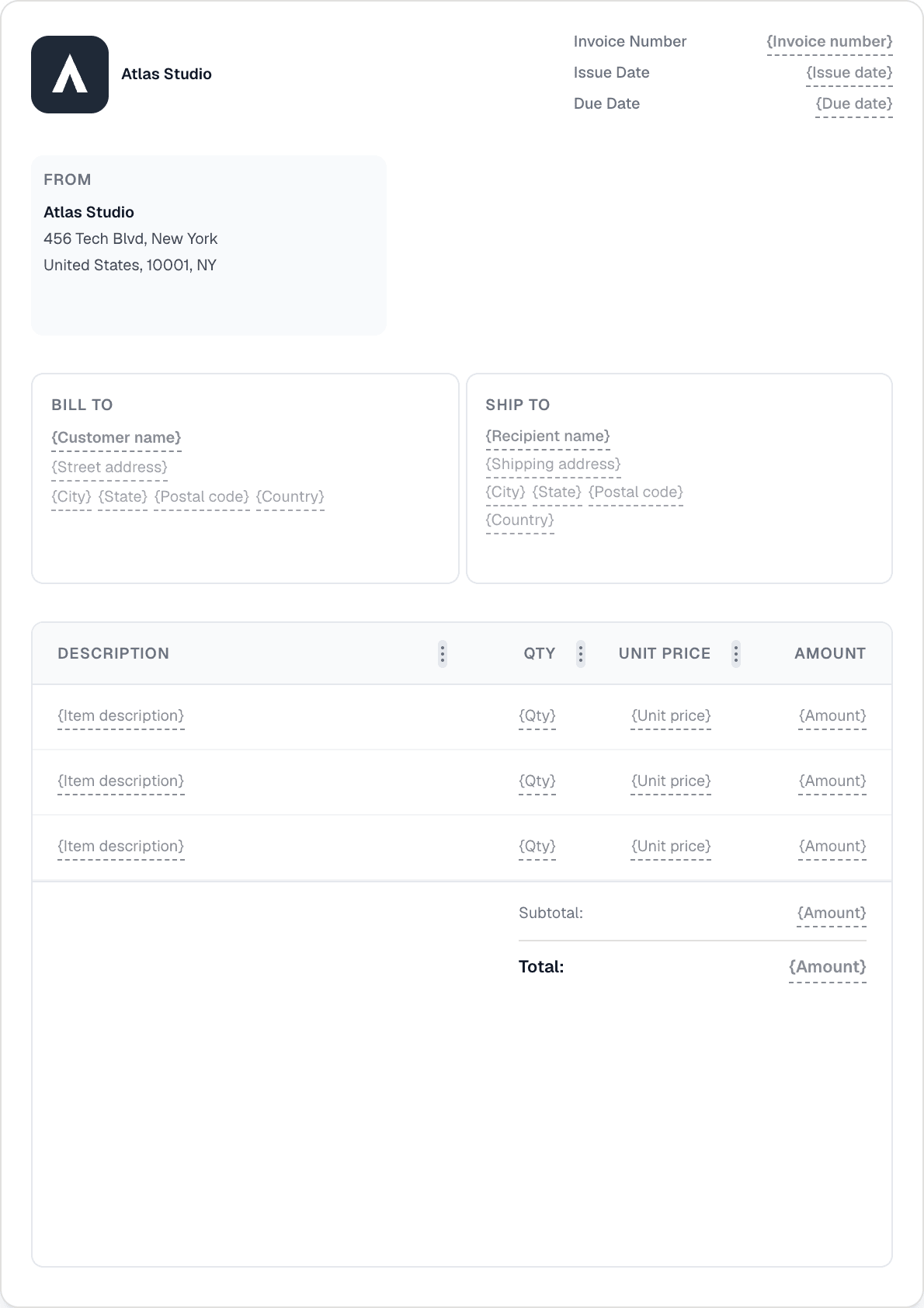
Stüdyo ve Yaratıcı düzenler dâhil 12 hazır tasarımdan biriyle başlayın ve 22 bloklu sürükle-bırak düzenleyiciyi kullanarak logonuz, renkleriniz ve yazı tiplerinizle özelleştirin. Düğünler, portreler ve ticari çekimler için farklı şablonlar oluşturun.
Bir program üzerinde otomatik ödeme hatırlatmaları belirleyin ve gecikme ücretlerini yapılandırın — yüzde veya sabit tutar, bir ödemesiz süre ve isteğe bağlı bir üst sınır ile. Invotify takibi halleder, böylece siz çekime odaklanabilirsiniz.

Depozitoyu faturaya karşı kısmi bir ödeme olarak kaydedin — tutarı, tarihi ve ödeme yöntemini girin. Fatura, güncel bir kalan bakiye gösterir. Son ödeme geldiğinde, aynı şekilde kaydedin. Tamamen ödendiğinde fatura durumu otomatik olarak Ödendi'ye geçer.
Evet. Her fatura paylaşım bağlantısının altında bir imzalama bölümü vardır. Müşteri adını girer, bir imza çizer ve isteğe bağlı olarak e-postasını ekler — hesap gerekmez. Denetim kaydı (ad, e-posta, zaman damgası, IP) kontrol panelinizde saklanır.
Evet, Pro planla. Stripe hesabınızı bağlayın; Invotify her fatura e-postasına ve müşteri portalına bir ödeme bağlantısı ekler. Müşteriler kart, Apple Pay, Google Pay, iDEAL veya SEPA ile ödeme yapar. Fatura durumu otomatik olarak Ödendi'ye geçer.
Hayır. Birden çok şablon oluşturabilir — biri düğünler, biri ticari, biri baskılar için — ve her faturayı oluştururken hangisini kullanacağınızı seçebilirsiniz. Bir hazır tasarımla başlayın ve sürükle-bırak oluşturucuda özelleştirin.
Bir dakikadan kısa sürede profesyonel bir fatura oluşturun. Tasarım becerisi gerekmez.